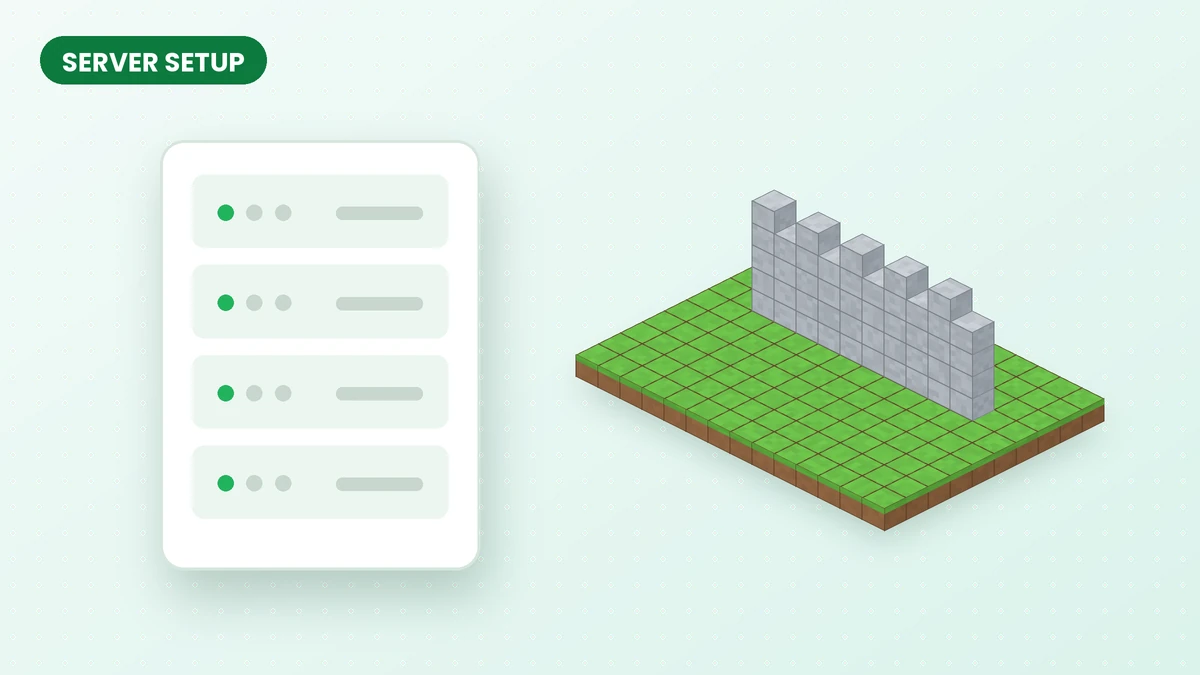
A shared Effortless Building Mod world needs a coordinated installation. Prepare the server and each participating client with compatible game, loader and mod versions, then test a small placement before starting a group project.
What you need
- A Minecraft Java server running Forge, NeoForge or Fabric.
- The Effortless Building jar built for that loader and that exact game version.
- The same jar, or the matching client build, installed by every player who joins.
Installing on a dedicated server
- Stop the server and make a backup of the world folder.
- Upload the Effortless Building jar to the server's
modsfolder. - Add any dependency libraries the file lists.
- Start the server and check the console log for errors while it loads.
- Ask each player to install the same version in their own client.
Use your host's file manager or supported mod-management tools to place the compatible jar in the server's mods directory. Stop the server before changing its files and retain a world backup.
LAN and single-player worlds opened to LAN
For a LAN world, the hosting game supplies the server environment. Share the host's Minecraft version, loader and mod release with everyone joining so each profile can be prepared consistently.
Server-side limits and settings
Server administrators control functional limits such as placement reach, blocks per action and modifier size. Review those values for the type of world you run; personal controls and keybinds remain client-side preferences.
Begin with modest placement limits and observe performance during a group building session. Increase them gradually where the server handles the workload comfortably.
Survival servers
Survival placements draw materials from player inventories. Plan resource supplies for repeated shapes and modifiers, particularly when several players are building large sections at once.
Common multiplayer problems
If a player sees the menu but cannot place shapes, compare client and server installations first. For startup failures, check loader compatibility and logs. Continue with the troubleshooting guide if the problem remains.
Related guides
Effortless Building Mod Not Working? Try These Fixes
Find the cause of an Effortless Building Mod problem by checking your version, active profile, controls and server installation in a clear sequence.
Read guide
How to Install Effortless Building Mod (Step-by-Step)
Set up Effortless Building Mod with a compatible loader, the correct game version and a clean installation, then test your first shape in Minecraft Java.
Read guide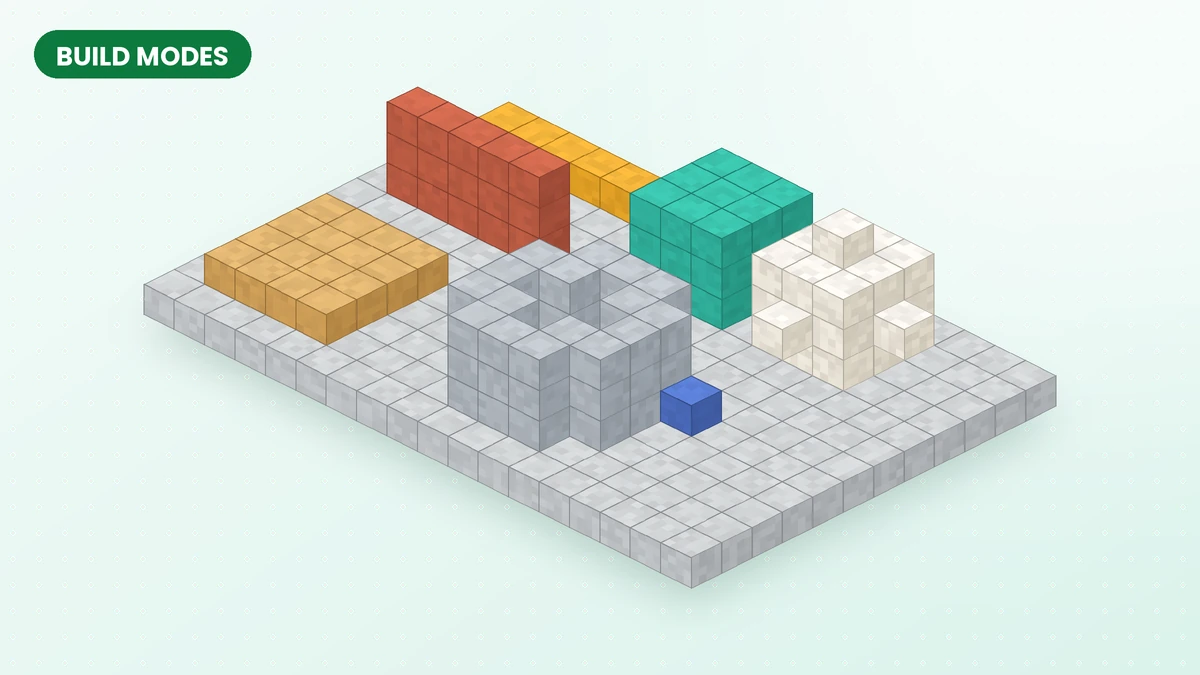
Effortless Building Mod Build Modes Explained
Choose the right Effortless Building Mod shape for foundations, walls, roofs and rounded structures, then refine the placement before confirming it.
Read guide