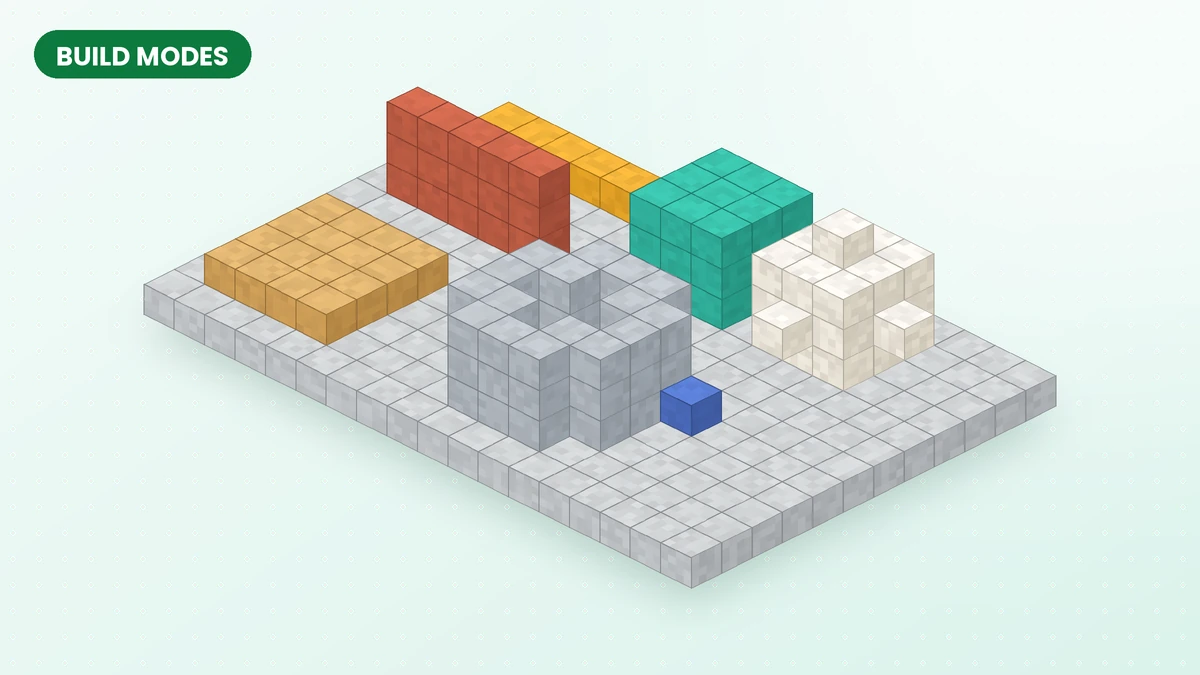
Effortless Building Mod turns repeated block placement into a shape-based workflow. Choose the geometry that fits your project, define its boundaries and review the result before committing. The useful skill is knowing which mode gives you the cleanest starting point.
How build modes work
Hold ALT to select a build mode from the radial menu. With your building block selected, mark the points requested by that mode. Flat shapes use their boundary points; three-dimensional shapes may require another point to define height.
Read the placement outline before confirming, especially near existing structures. A small trial section helps establish the scale and orientation before you extend the design.
Single, Line, Wall and Floor
Single
Single mode keeps individual block placement available while you work with modifiers. Use it for window trim, small accents and finishing details.
Line
Line creates a straight run between selected points. It is a useful starting tool for beams, fence runs, path edges and the outline of a larger structure.
Wall
Wall fills a vertical rectangular section. Use it to establish a building facade or boundary, then add doors, windows and decorative layers separately.
Floor
Floor covers a horizontal area. Start with a foundation, platform or ceiling and check its alignment with the surrounding build before expanding it.
Cube
Cube defines a volume rather than a flat face. Review the replacement settings before using it near finished work, and combine it with modifiers when your design needs repeated sections.
Diagonal Line, Diagonal Wall and Slope Floor
Diagonal Line connects points at an angle. Diagonal Wall extends that direction into a wall, while Slope Floor creates an inclined surface. These modes provide a starting framework for slanted roofs, ramps and angled architecture.
Circle, Cylinder and Sphere
Circle, Cylinder and Sphere provide rounded geometry for circular footprints, towers and three-dimensional forms. Choose a scale that leaves enough room for the block pattern and the details you intend to add.
Test the diameter before committing to a circular structure. A larger footprint often gives you more room to refine the outline and fit doors, windows or other details.
The Disabled option
Select Disabled when you want to return to ordinary placement. This is useful while adding fine detail or working close to areas where a larger shape would be difficult to control.
Tips for faster building
- Plan the outline first with Line, then fill faces with Wall and Floor.
- Use the randomizer to mix block types across a big shape so it does not look flat. See the Randomizer Bag guide.
- Made a mistake? CTRL + Z undoes the last placement and CTRL + Y redoes it.
- In Survival, every block in the shape comes from your inventory, so carry enough material before placing large shapes.
Related guides
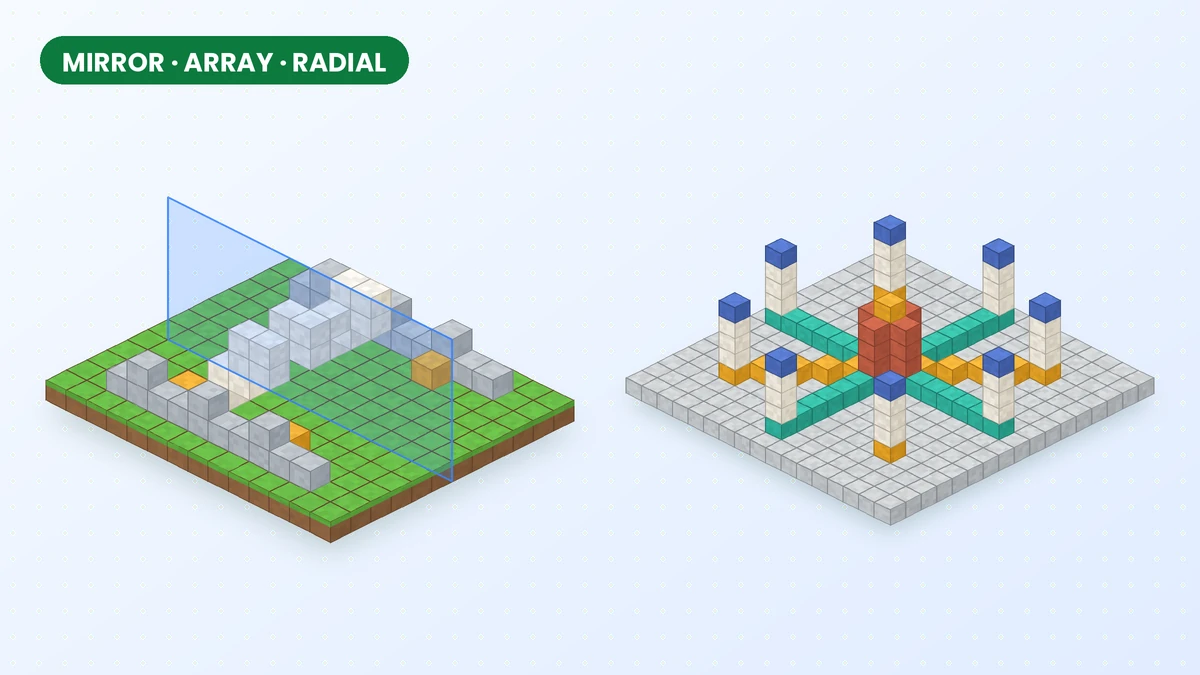
Mirror, Array and Radial Mirror in Effortless Building
Create balanced facades, repeat structural details and arrange circular patterns with the mirror, array and radial mirror tools in Effortless Building Mod.
Read guide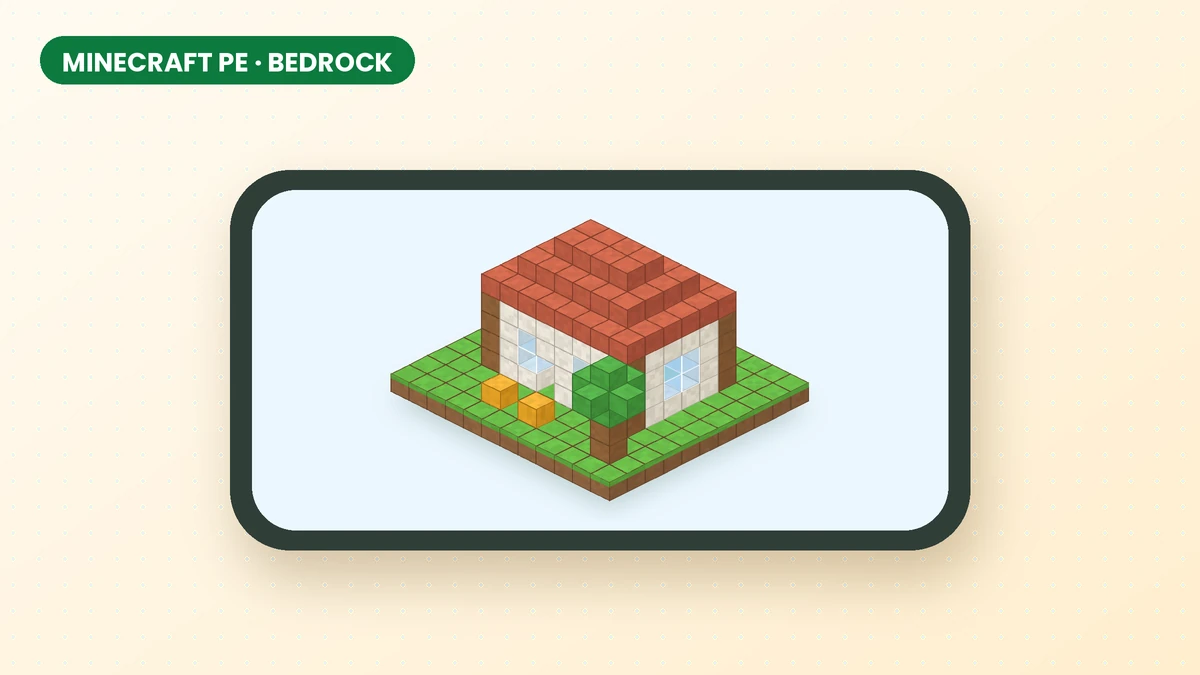
Effortless Building Mod for Minecraft PE, Bedrock and Mobile
Check which Minecraft edition you use before downloading. This guide explains the Java mod, mobile compatibility and the separate Bedrock add-on.
Read guide
Effortless Building Mod 1.21.11 Download Guide
Check Minecraft and loader requirements before choosing an Effortless Building Mod file, including what to verify when looking for a 1.21.11 release.
Read guide