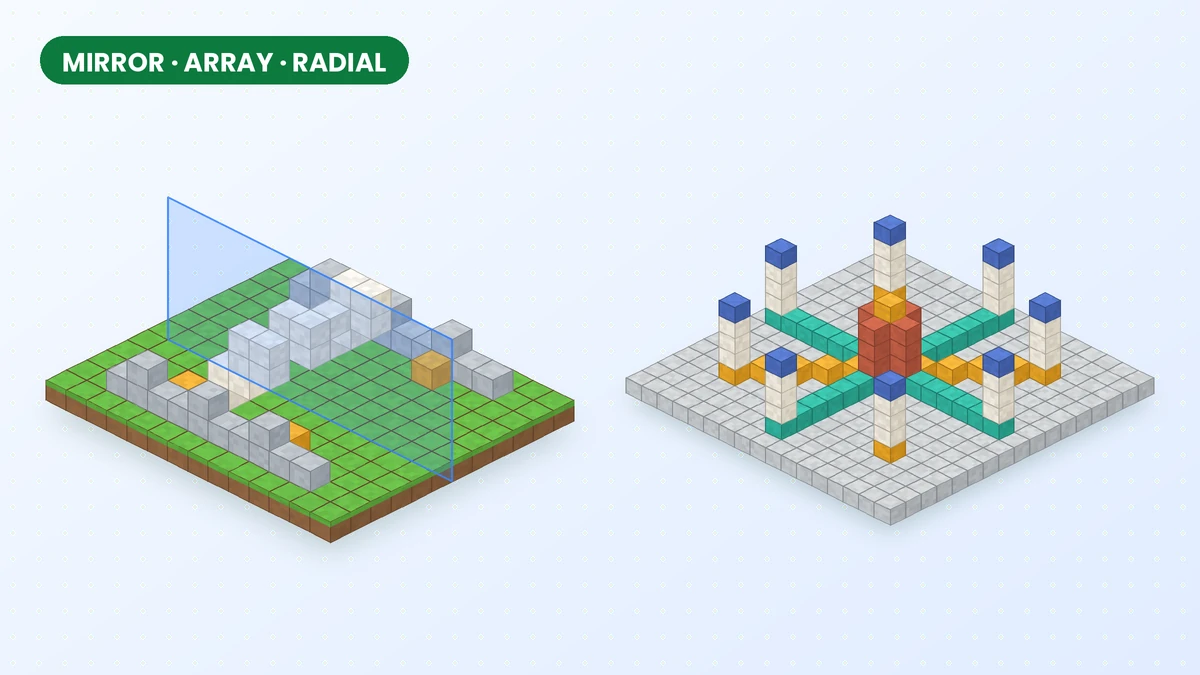
A strong building pattern does not need to be placed block by block. Effortless Building Mod modifiers extend your original placement across a plane, along a direction or around a centre, making them useful for designs built from repeated elements.
Opening the modifier settings
Open modifier settings with NUMPAD +, or use the key assigned in your Controls menu. Configure the modifier position and extent before placing blocks, and use a small test to check the alignment.
Mirror: perfect symmetry across a plane
Mirror reflects your placements across a chosen plane. Position that plane through the centre of a gateway or facade, then work on one side while checking that the reflected details fit the other.
Mirror tips
- Set the mirror centre on the exact middle block of your build before you start, so both halves line up.
- Keep the mirror size slightly larger than the build; blocks placed outside it are not copied.
Array: repeat in a direction
Array repeats a placement along a configured direction. Choose the spacing and number of copies to establish a rhythm for columns, tunnel sections, bridge supports or a row of buildings.
Test one repeated section before combining an array with a larger shape. Confirm that the gap between copies leaves space for paths, decoration and neighbouring structures.
Radial Mirror: symmetry around a centre
Radial Mirror arranges copies around a centre point. Begin with a simple segment for a plaza, garden or tower and check how the segments meet before adding more complex detail.
Combining modifiers and build modes
Combine a shape with a modifier when both the outline and the repetition are predictable. Preview a mirrored wall or repeated line first, and use CTRL + Z to undo a placement that needs adjustment.
Survival and server limits
Repeated placements still require building materials in Survival. Multiplayer configuration may also limit modifier size; our server guide explains which settings belong to the administrator.
Related guides
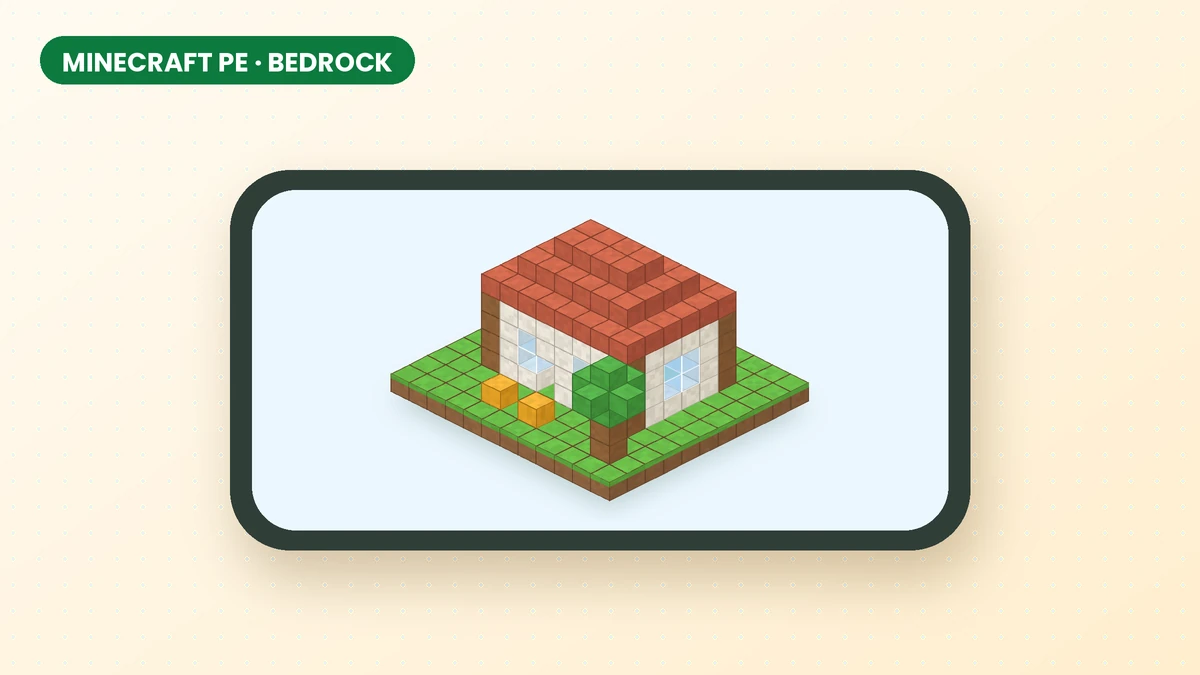
Effortless Building Mod for Minecraft PE, Bedrock and Mobile
Check which Minecraft edition you use before downloading. This guide explains the Java mod, mobile compatibility and the separate Bedrock add-on.
Read guide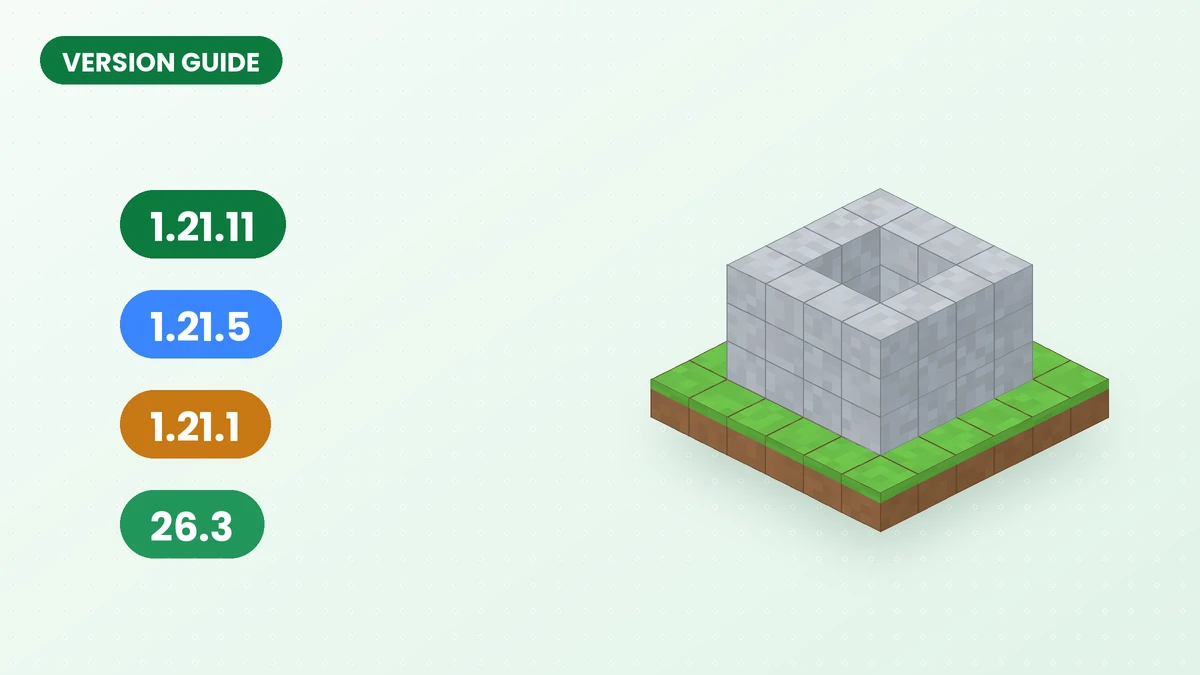
Effortless Building Mod 1.21.11 Download Guide
Check Minecraft and loader requirements before choosing an Effortless Building Mod file, including what to verify when looking for a 1.21.11 release.
Read guide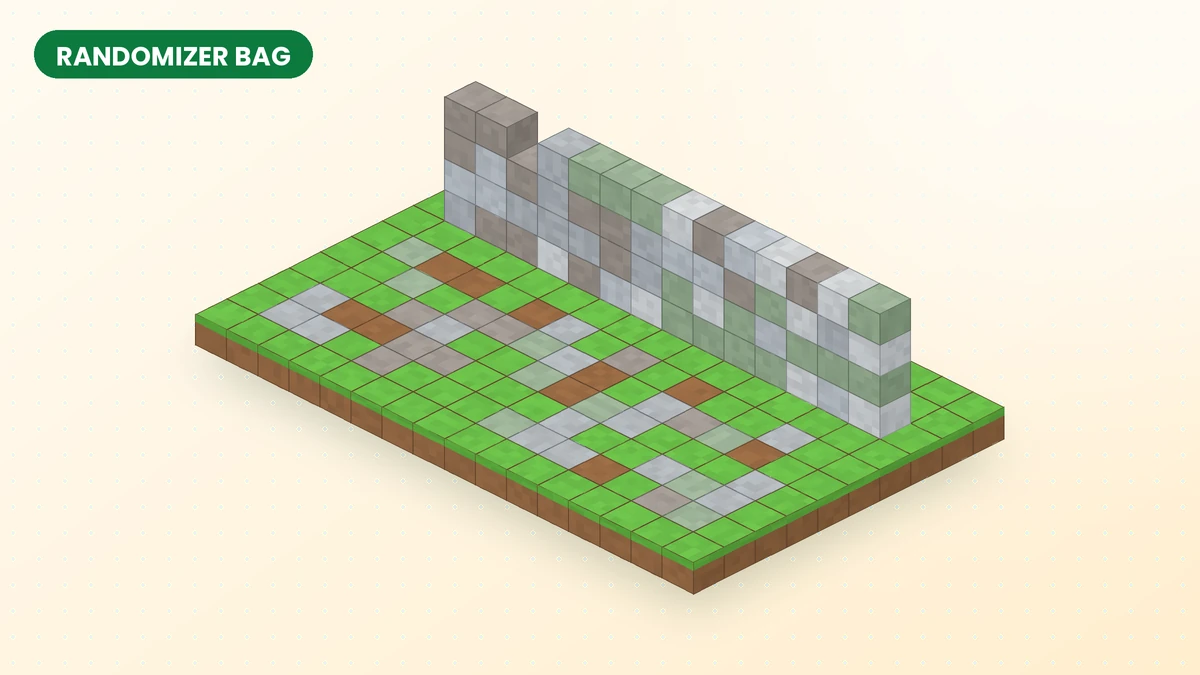
Effortless Building Randomizer Bag Guide
Give walls, paths and landscapes a varied finish with the Effortless Building Mod Randomizer Bag, from palette selection to larger textured placements.
Read guide