Start troubleshooting Effortless Building Mod by identifying the symptom: a launch failure, a missing menu or a placement that never completes. Change one thing at a time and test again, so you can tell which adjustment resolves the problem.
1. The game crashes or will not start
Compare the Minecraft version and loader in your active profile with the mod file's requirements. Replace an incompatible build with the correct file; a NeoForge jar is not a substitute for a Forge or Fabric release.
2. Two copies of the mod
Inspect the profile's mods directory for duplicate Effortless Building files. When updating, keep the intended release and remove the old copy from that profile.
3. Missing dependencies
Open the selected release details and check required dependencies. Install the compatible library versions listed there, then relaunch the same profile.
4. The mod is not listed in game
Confirm that you launched the modded profile and placed the jar inside its own game directory. A file in another instance will not be loaded by the profile you are playing.
5. The ALT menu does not open
Check the Effortless Building bindings under Options > Controls. If ALT conflicts with another action or application, assign an unused key and test it in a world.
6. Nothing is placed on a server
For multiplayer placement, verify that the server also has the compatible mod installed. Coordinate with its owner using the server setup checklist.
7. Shapes stop short or are refused
If small placements work but larger ones fail, check available inventory blocks and configured limits for reach, action size and modifiers. On a server, ask the administrator to review the applicable settings.
8. It will not import on Minecraft PE or Bedrock
A Java mod file cannot load in the standard Bedrock or mobile app. Our edition compatibility guide explains which type of download to look for.
Still stuck?
For a reproducible issue, use the tracker linked from the official project page. Include your Minecraft version, loader, mod version, relevant logs and a short sequence that demonstrates the problem.
Related guides
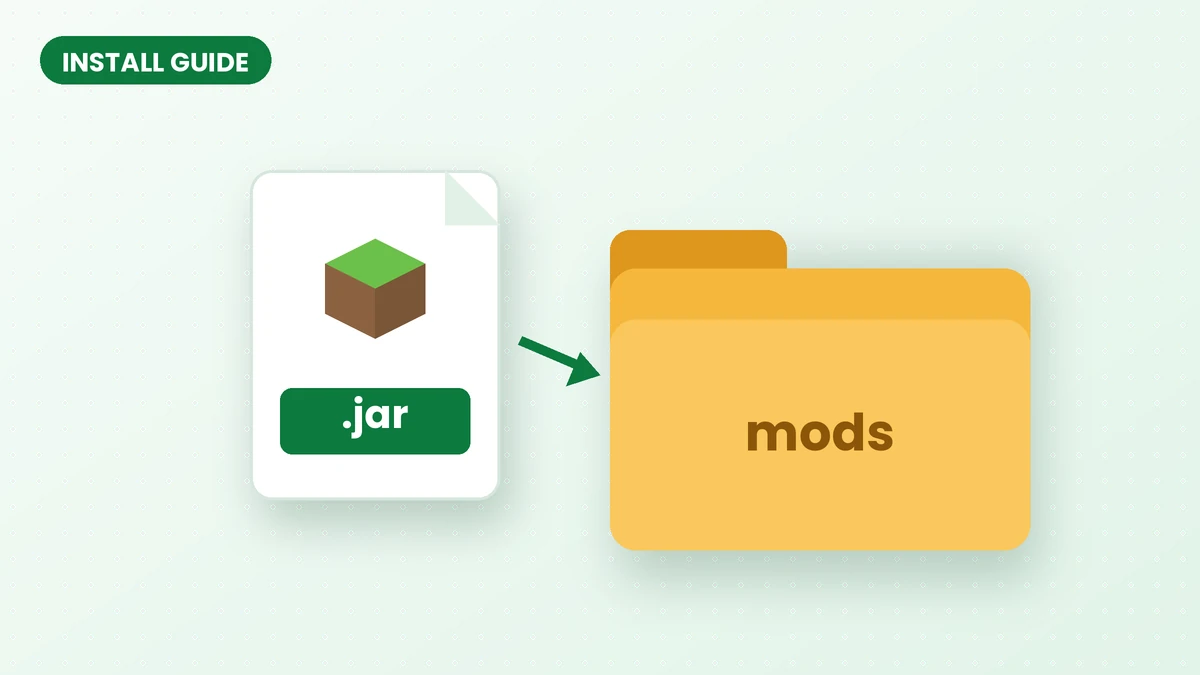
How to Install Effortless Building Mod (Step-by-Step)
Set up Effortless Building Mod with a compatible loader, the correct game version and a clean installation, then test your first shape in Minecraft Java.
Read guide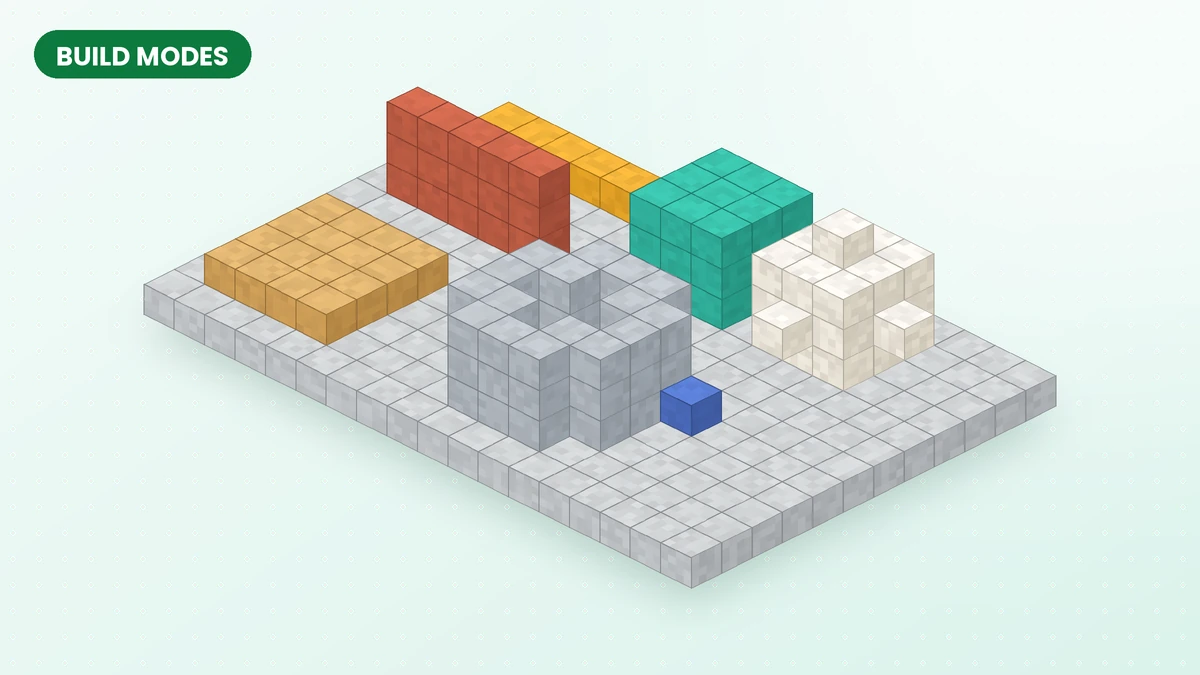
Effortless Building Mod Build Modes Explained
Choose the right Effortless Building Mod shape for foundations, walls, roofs and rounded structures, then refine the placement before confirming it.
Read guide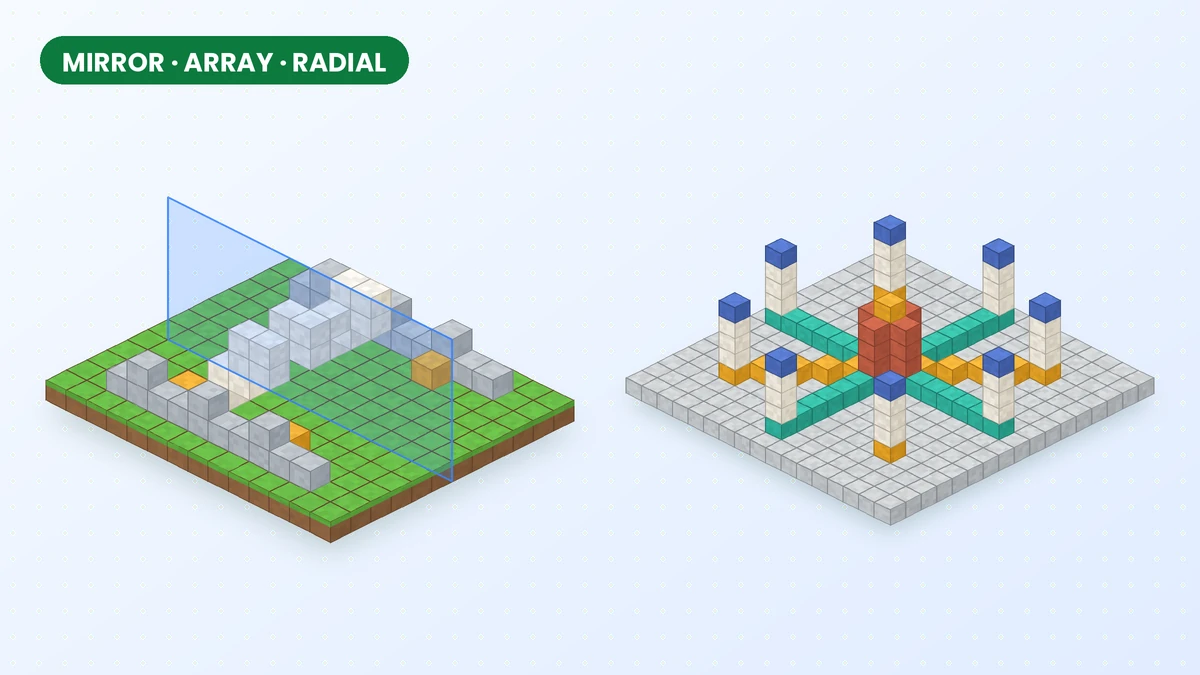
Mirror, Array and Radial Mirror in Effortless Building
Create balanced facades, repeat structural details and arrange circular patterns with the mirror, array and radial mirror tools in Effortless Building Mod.
Read guide