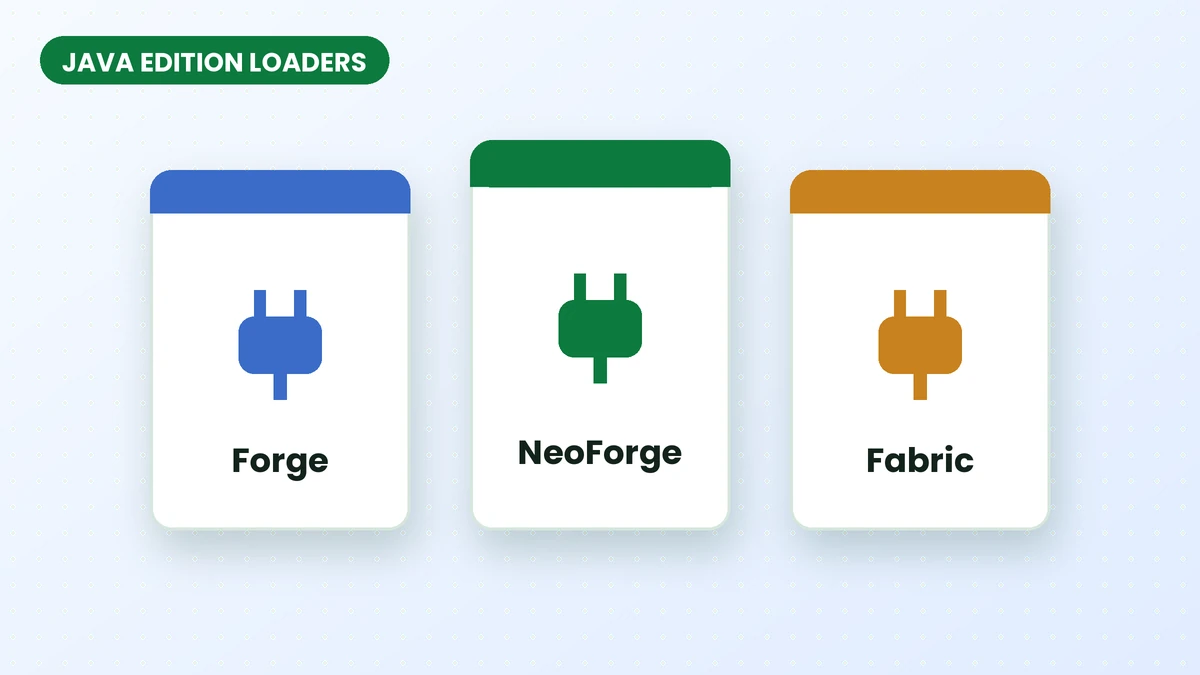
Your existing Minecraft Java profile should guide your Effortless Building Mod download. Forge, NeoForge and Fabric use different mod builds, so choosing a familiar project name is only the first step. The file must also support your loader and game release.
What a mod loader does
A mod loader provides the environment that runs Java Edition mods. Each profile has a selected Minecraft version and a corresponding mods directory. Install files made for that environment rather than mixing builds from different loaders.
Forge, NeoForge and Fabric at a glance
| Loader | Good to know |
|---|---|
| Forge | The long-standing loader with a large catalogue, especially for older versions. |
| NeoForge | A community fork of Forge that many newer modpacks use. Our main download is the NeoForge build. |
| Fabric | A lightweight loader known for quick updates to new versions; many Fabric mods also need the Fabric API library. |
Check the project files list for your exact combination. For an established modpack, keep the loader selected by the pack and look for a compatible Effortless Building release.
Picking the right jar
Read the file details alongside its name, then review required dependencies. Fabric users should confirm whether their selected build requires Fabric API instead of assuming every release has the same requirements.
Do not mix loaders
Keep a separate profile when testing a different loader. This makes it easier to manage dependencies and prevents files intended for one environment from being loaded in another.
Loaders on servers
Coordinate the server loader and mod file with the players connecting to it. The multiplayer setup guide covers installation and the checks to make before opening a world to your group.
Next steps
Once you have identified a compatible file, follow the installation walkthrough. Use the homepage download when its stated requirements match your profile.
Related guides
How to Set Up Effortless Building Mod on a Server
Prepare Effortless Building Mod for a shared world, align client and server files, and review placement settings before your group starts building.
Read guide
Effortless Building Mod Not Working? Try These Fixes
Find the cause of an Effortless Building Mod problem by checking your version, active profile, controls and server installation in a clear sequence.
Read guide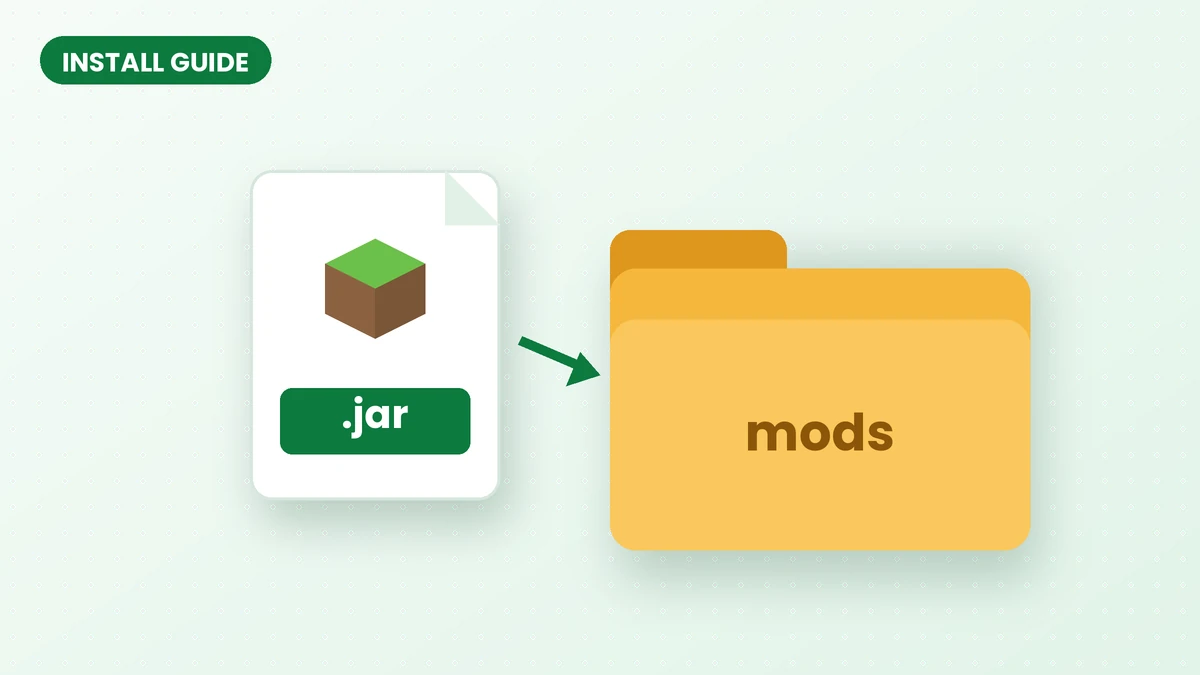
How to Install Effortless Building Mod (Step-by-Step)
Set up Effortless Building Mod with a compatible loader, the correct game version and a clean installation, then test your first shape in Minecraft Java.
Read guide