 01
01Pick a build mode
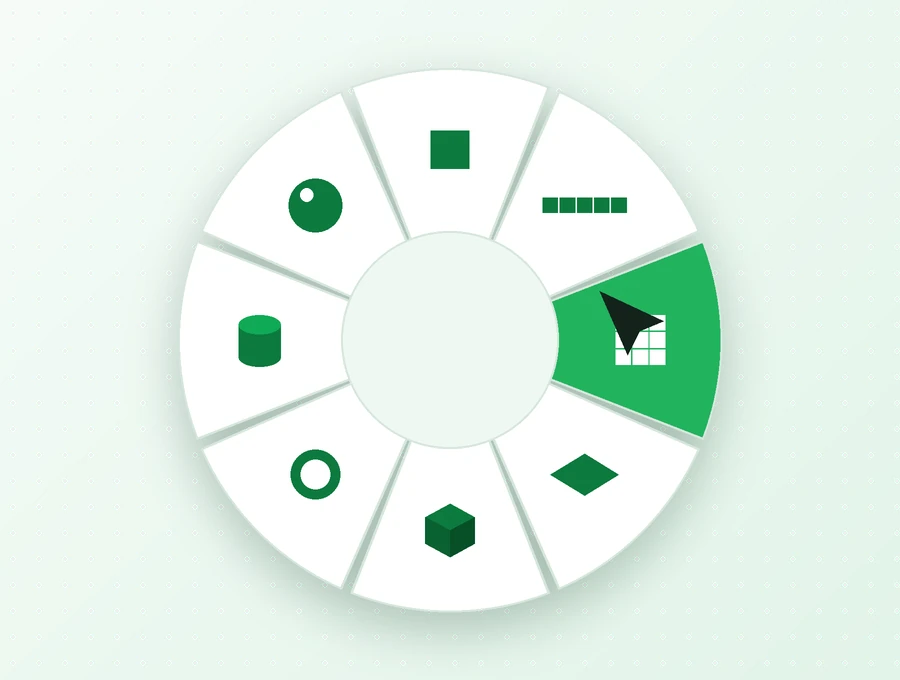
Open the radial menu with ALT and select the shape that fits the next part of your build.
Build with greater control in Minecraft Java. Effortless Building Mod combines shape tools, mirrored placement and repeating patterns to help you develop detailed structures. Explore the features, choose a compatible download and follow practical guides for your next Creative or Survival project.
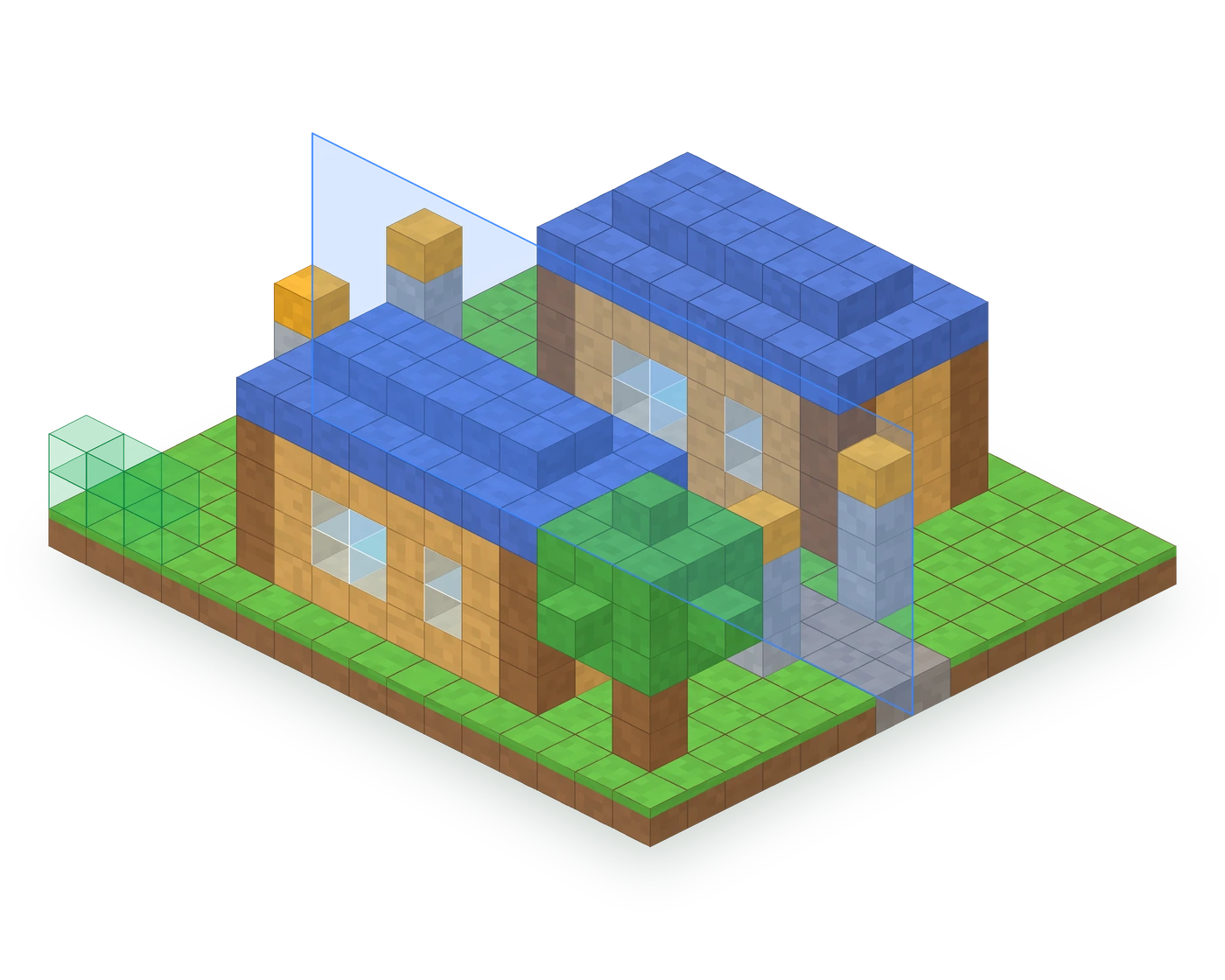
Move from an outline to a finished structure with a clear sequence: select a shape, review its boundaries and confirm the placement.
01Open the radial menu with ALT and select the shape that fits the next part of your build.
 02
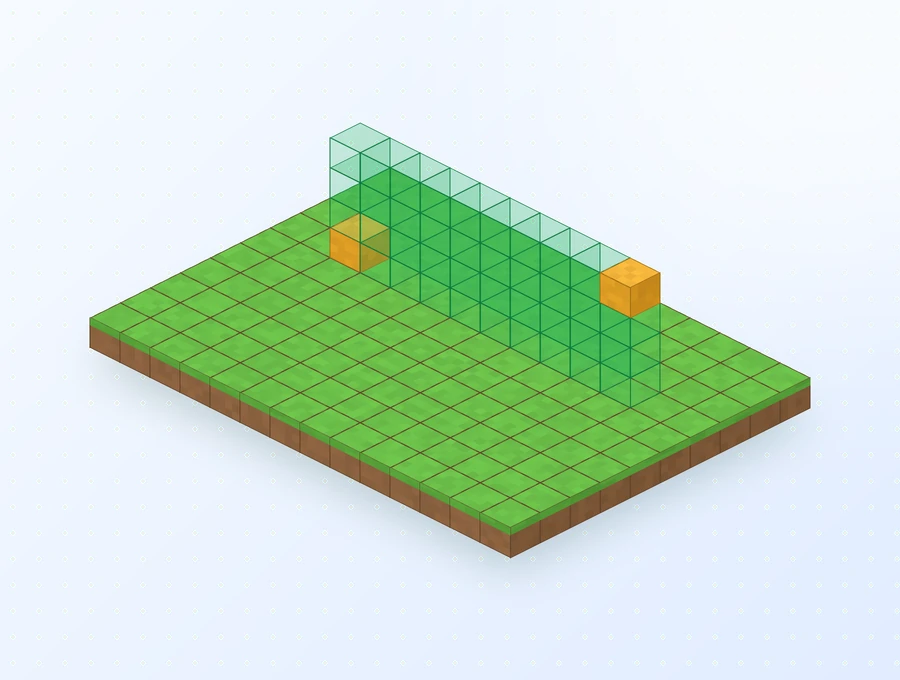
02Mark the required points with right-click and inspect the preview. Check the size and alignment before confirming.
 03
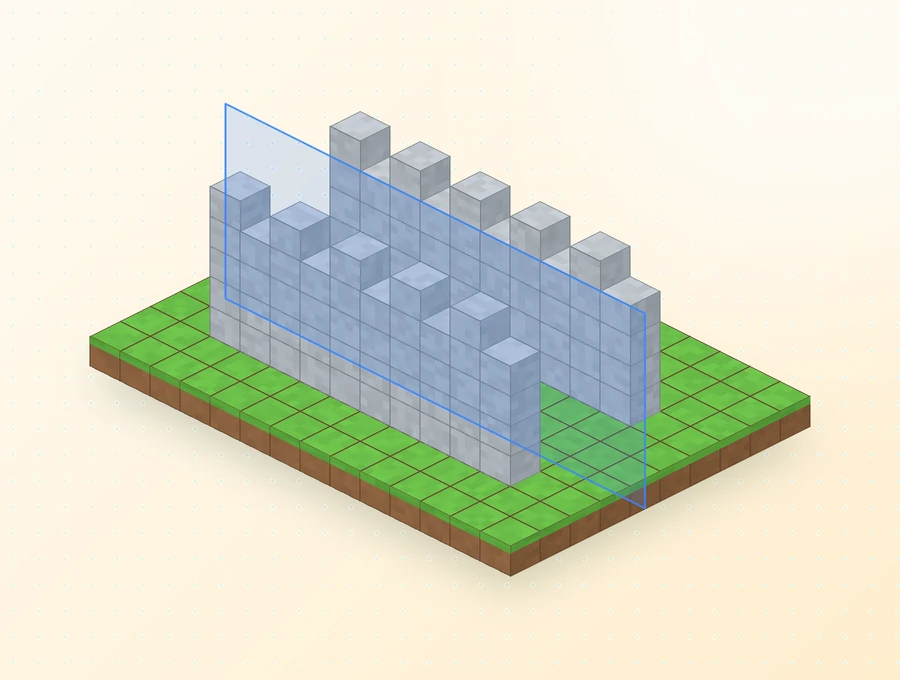
03Configure repetition through NUMPAD + when the design needs it. Use CTRL + Z to undo a placement and refine the result.
Shape the structure, repeat its details and vary the finish. These tools support different stages of the same building workflow.
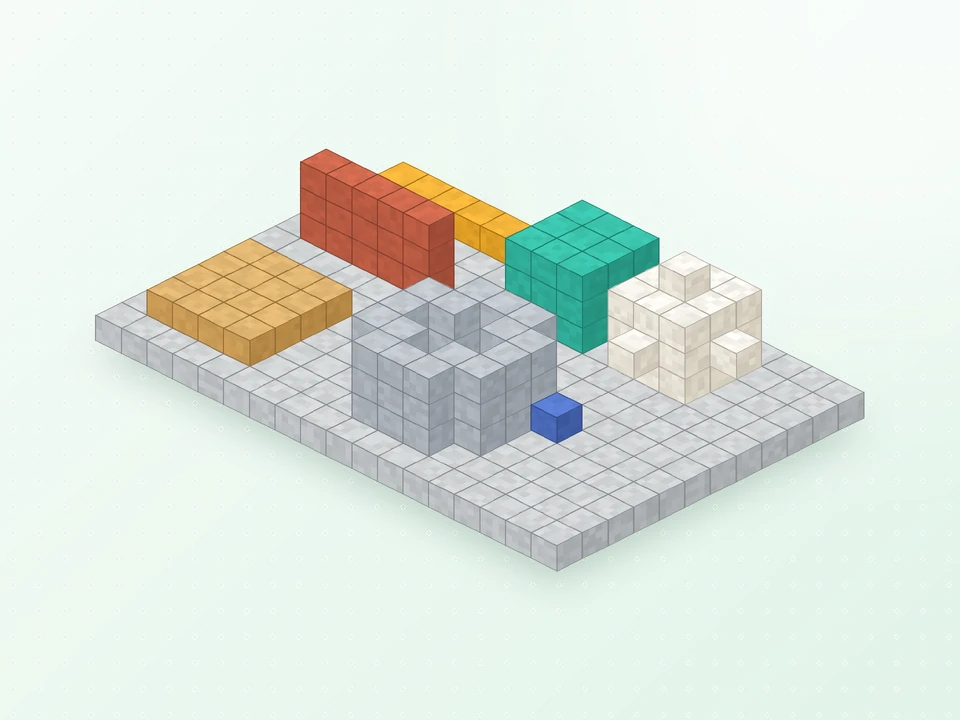
Start with a line, surface or volume instead of placing every block separately. The radial menu lets you select the geometry, while the placement preview helps you check how it fits your project.
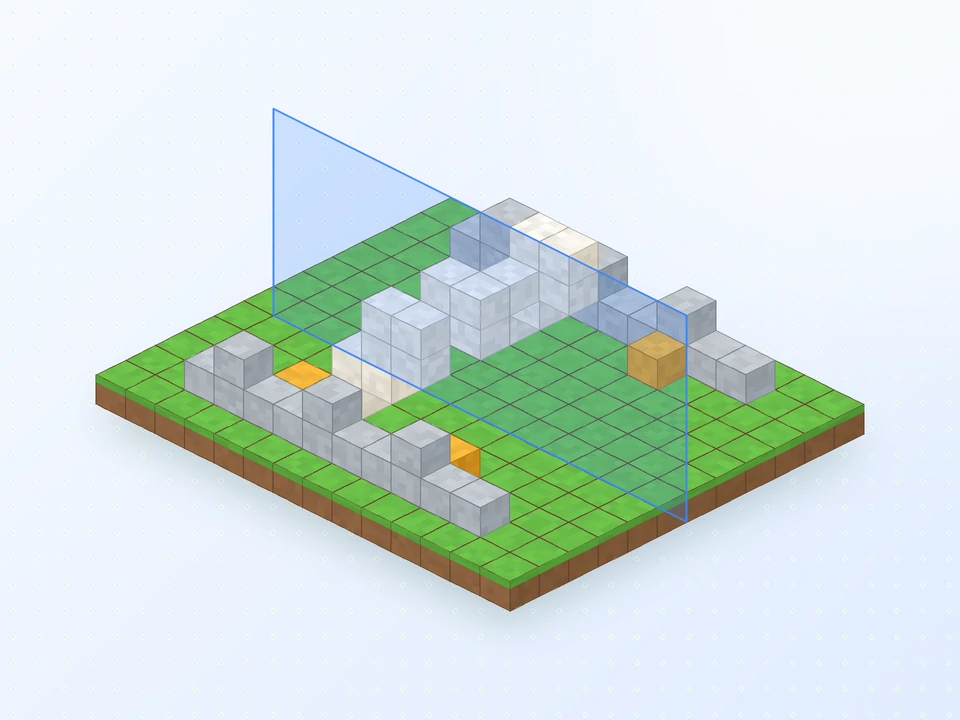
Keep both sides of a design aligned with a configurable mirror plane. It is useful for balanced entrances, matching wings and repeated decorative details across a facade.
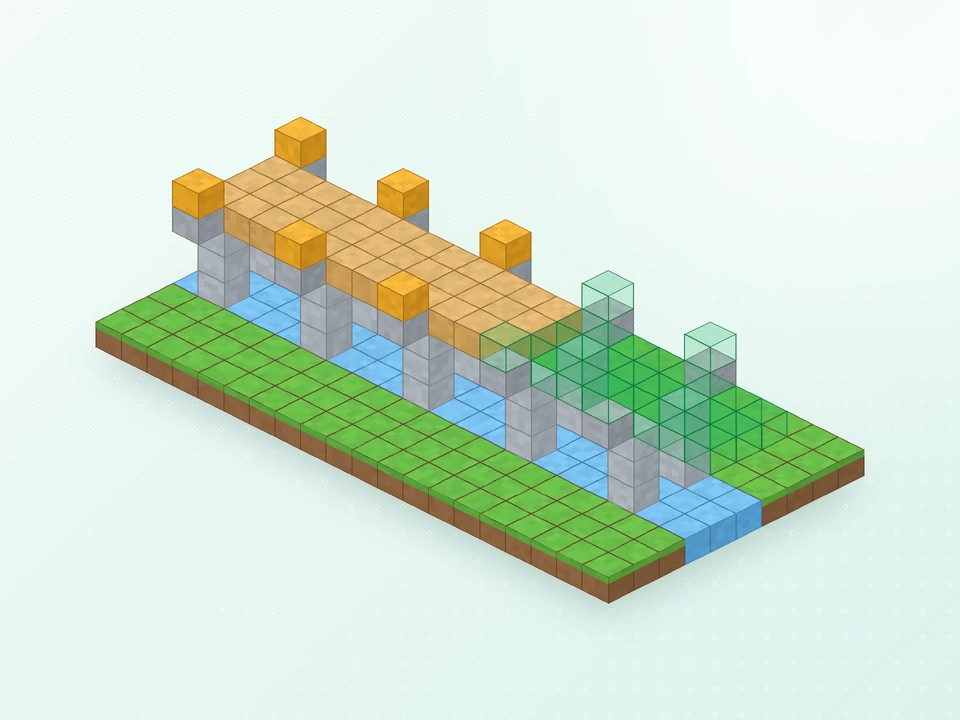
Establish consistent spacing for a sequence of structural elements. Set the direction and number of repeats, then use an array for columns, bridge sections or a run of lamps.
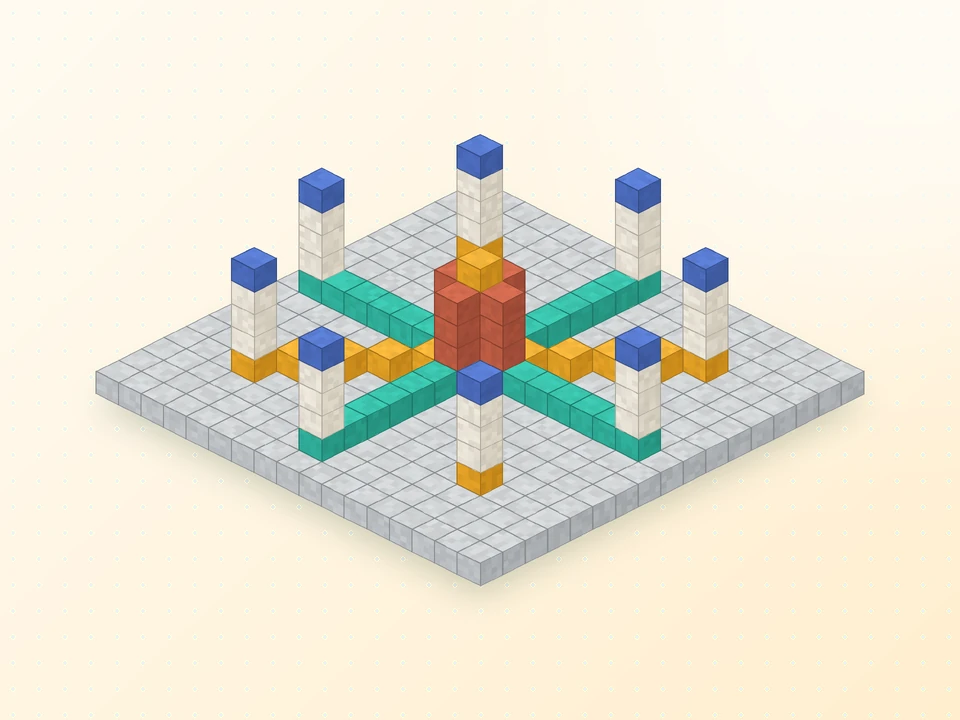
Develop circular layouts from a single segment. Radial Mirror repeats placements around a centre, helping you organise plazas, garden patterns and tower details.
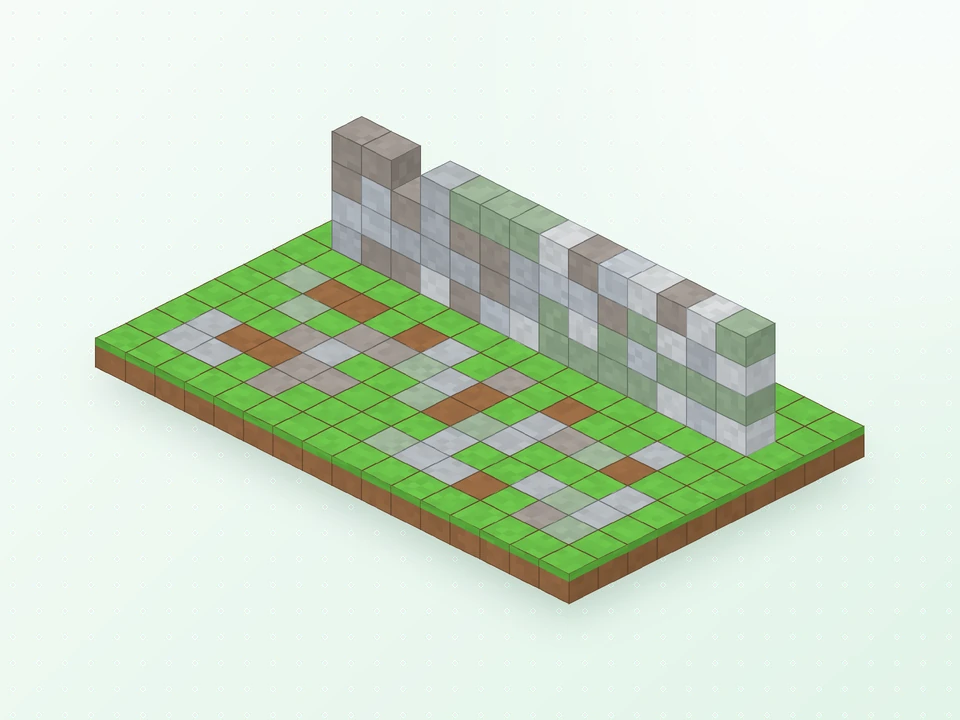
Give surfaces variation with a selected palette of blocks. Configure the Randomizer Bag with Shift + right-click and test your mix on a small area before applying it to the full design.
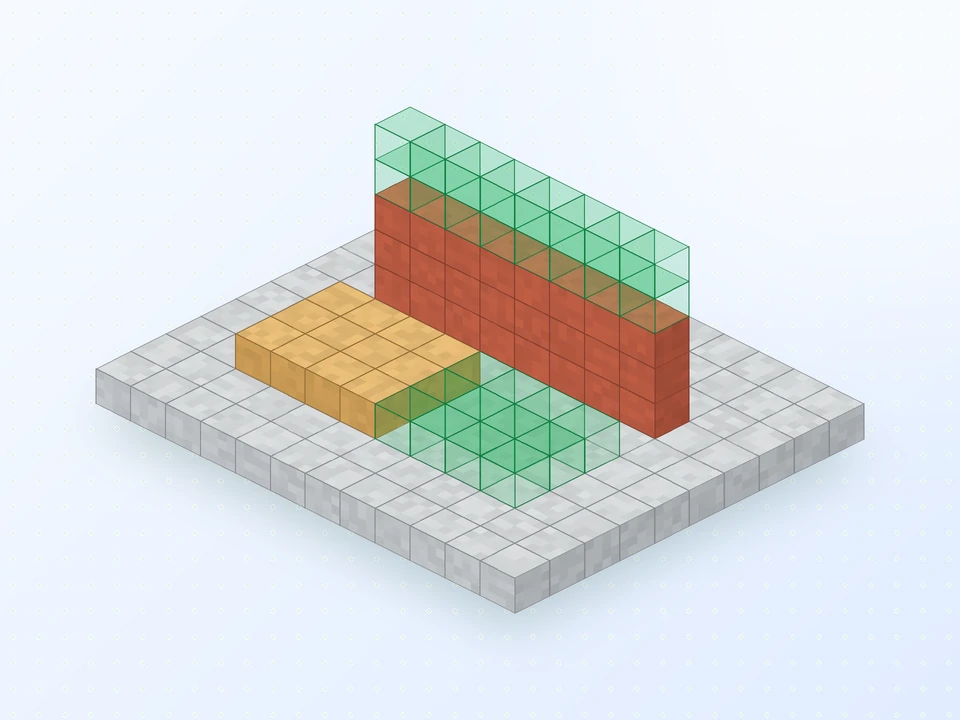
Refine placements with CTRL + Z and CTRL + Y. Choose the replacement mode carefully when working around existing blocks, particularly when extending or renovating a finished structure.
Configure placement reach to suit the project and the settings available in your world.
Use building tools while supplying materials from your own inventory in Survival.
Apply supported tool actions across a selected shape, including tasks such as stripping logs or tilling soil.
A successful installation depends on the Minecraft edition, game version and loader. Review the selected release details before adding it to a profile.
Effortless Building Mod is designed for Minecraft Java. The version labels below help you identify releases to check on the project files page:
The highlighted version corresponds to this site's linked download. Check the project listing for the full release history and current availability.
Choose a release built specifically for your Forge, NeoForge or Fabric profile.
Prepare compatible installations on the server and participating clients before building together.
The linked file targets NeoForge and Minecraft 26.3; its mod version is 4.3.
Java jars do not install in the standard mobile or Bedrock app. Read the edition compatibility guide for the separate add-on route.
Choose a workflow around the structure you want to create, from a compact base to a shared city project.
Lay out defensive walls, establish tower footprints and repeat battlements while keeping the overall dimensions consistent.
Use mirrored placements to align windows, columns and roof details across a central entrance or courtyard.
Develop a repeatable bridge or tunnel section, check its spacing and extend it along the planned route.
Combine a varied block palette with surface modes to give paths and landscape features a more textured finish.
Plan the materials for your next base, then use shape placement to organise foundations, rooms and outer walls.
Coordinate building tasks across a team while administrators manage placement reach and action limits.
Keep your attention on proportion, layout and detail while the placement tools handle repeated building steps.
Download NowCreate a consistent starting structure with shape tools, leaving more of your building session for design decisions.
Review the placement outline to catch alignment issues before they become part of the finished build.
Maintain a measured rhythm across repeated elements instead of estimating every gap individually.
Break up large surfaces with a planned palette that complements the rest of the structure.
Keep resource gathering part of the Survival workflow while reducing repetitive placement work.
Adjust functional limits for your world; multiplayer administrators manage the server-side values.
Use this checklist for a Java installation, or follow the detailed Effortless Building Mod setup guide.
Identify your Minecraft Java version and existing loader before selecting a release.
Prepare the matching loader profile and launch it once before adding the mod.
Read the linked file's requirements. Use the project files list when you need a different Minecraft version or loader.
Place the intact jar in the selected profile's mods folder and remove any previous copy of the same mod.
Launch the modded profile and test the build-mode menu in a world before starting a larger project.
For a shared world, align the server and client installations with the server owner.
Download the listed NeoForge release for Minecraft 26.3 from CurseForge. Confirm the file details below match your game before installing.
A few preparation steps make it easier to test a mod, preserve existing work and recover from an incompatible setup.
The download points to the project file hosted on CurseForge. Review its release information before adding it to Minecraft.
Create a separate copy of your world saves before changing mods or upgrading your game profile.
Match the complete game version and loader, then check the selected file for required dependencies.
Review release notes before updating and replace the old jar rather than loading both versions together.
Check the server's building rules and ask its administrator about placement limits before beginning a large structure.
Use the appropriate file type for your Minecraft edition. A Java jar and a Bedrock add-on follow different installation systems.
Find answers to common Effortless Building Mod questions, from selecting a download to using the building tools.
Use the main button in the Download section of this page. It downloads effortlessbuilding-neoforge-26.3-4.3.jar, the NeoForge build for Minecraft 26.3, directly from CurseForge. Builds for other loaders and game versions are listed in the mod's CurseForge files list.
Yes. The mod is published free of charge on CurseForge and Modrinth, and its source code is released under the GNU LGPL-3.0 open-source license.
The project pages list Forge, NeoForge and Fabric. Each loader has its own jar, so download the file that matches the loader you use.
Yes, 1.21.11 is among the versions listed on the mod's project pages. The button on this site is the NeoForge 26.3 build, so for 1.21.11 pick the 1.21.11 file for your loader on CurseForge.
The file is effortlessbuilding-neoforge-26.3-4.3.jar: mod version 4.3, NeoForge, Minecraft 26.3, listed on CurseForge as a Release uploaded October 10, 2026.
Install Forge, NeoForge or Fabric for your game version, download the matching Effortless Building jar, place it in your .minecraft/mods folder, then start the game with the loader profile. Hold ALT in a world to confirm it works.
Yes. The mod's documentation says it must be installed on both the server and every client, because the server performs the bulk block placement.
Not this file. It is a Java Edition mod and Bedrock cannot load Java jars. The mod's CurseForge page mentions a separate Bedrock version made by ExterLeo, which is a different project.
The standard Minecraft app on Android and iOS is Bedrock Edition, so the Java mod does not run there. Mobile players should look at Bedrock add-ons instead.
The mod's FAQ says it can be used in modpacks. If you modify or redistribute it, follow the terms of the LGPL-3.0 license.
Hold ALT to open the radial menu, move your cursor to a mode and release. If ALT does nothing, rebind the key in Options > Controls.
The listed modes are Single, Line, Wall, Floor, Cube, Diagonal Line, Diagonal Wall, Slope Floor, Circle, Cylinder and Sphere, plus a Disabled option for normal placement.
Pick a mode from the ALT menu, right-click to set the start point, aim at the end point and right-click again. A preview outline shows the shape before it is placed.
The mirror copies each block you place across a plane of a set size. The array repeats your placement a set number of times in a chosen direction, which suits walls, tunnels and bridges.
The Radial Mirror divides an area into slices around a centre point and copies your placements into every slice, which is ideal for towers, fountains and circular designs.
By default NUMPAD + opens the modifier settings, where you switch mirror, array and radial mirror on or off and set their position and size.
Press CTRL + Z to undo and CTRL + Y to redo block placement.
It places a random block from a set you choose, with optional air gaps. Shift + right-click to configure it. The listed recipe is 3 iron ingots, 1 redstone dust and 1 flower of any kind.
Yes. Shapes and modifiers use blocks from your inventory, and limits such as reach, blocks per action and mirror or array size are configurable.
You can cycle between Replace Only Air, Replace Blocks And Air, Replace Only Blocks and Filter By Offhand to control which existing blocks a placement may overwrite.