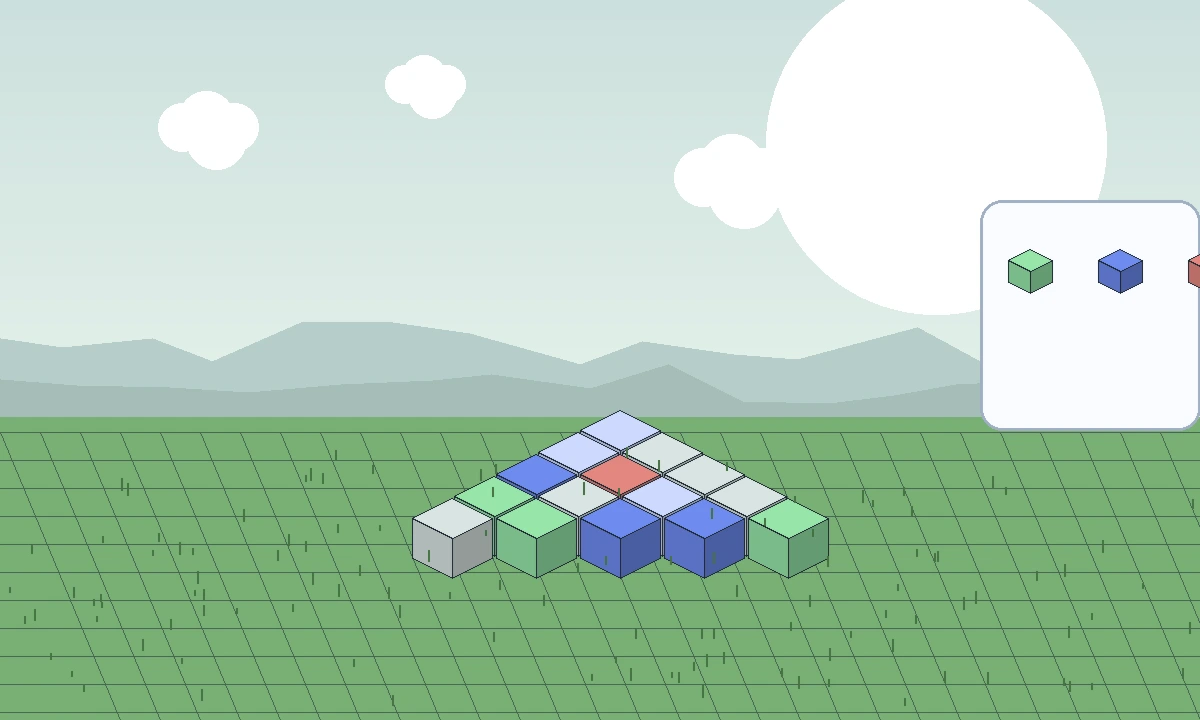
Effortless Building Mod is built around one practical idea: repetitive placement should not be the slowest part of a planned build. Instead of treating every block as an isolated action, the mod adds structured building tools that can describe a shape or pattern and then help apply it consistently.
Build modes are the core workflow
Build modes turn common structures into defined placement patterns. Lines, walls, floors and geometric forms let you think about dimensions and direction rather than clicking every position one by one. This is most useful when the design already has a clear shape.
Because release generations differ, the exact list and controls can change. The safe habit is to learn the active mode on a small test area before applying it to a large structure.
Mirror tools for symmetry
Mirror building is useful for paired towers, facades, arches and interior details. A mirrored workflow reduces the chance that the left and right sides drift apart as the build grows.
Set the mirror reference deliberately and test a few placements first. A misplaced center or plane can duplicate blocks in the wrong area, especially when the operation reaches through an existing structure.
Arrays for repeated modules
Array-style tools repeat a block or pattern at a defined offset. That makes them practical for support columns, windows, beams, fence lines, repeating roof details and other modular architecture.
The most important choices are spacing and count. Start with a short array, confirm the gap visually, then extend it. This avoids multiplying a small spacing mistake across an entire build.
Randomized block placement
Randomized placement helps break up flat surfaces. Instead of manually alternating several materials, a randomizer can distribute a selected palette so stonework, paths or terrain details look less uniform.
Random does not have to mean uncontrolled. Use a small palette and a consistent rule for where that palette belongs. The visual result is usually stronger when randomness supports an intentional material story.
Choosing the right tool
Use a build mode when the shape is predictable, mirror when symmetry matters, array when repetition matters, and randomization when material variation matters. These tools can complement each other, but combining several large operations at once makes mistakes harder to isolate.
For a new world or new version, test each tool separately before stacking them. That makes troubleshooting much faster if behavior differs from an earlier release.
Related guides
Continue with a guide that matches the next decision in your setup: